 AutoFollowTool
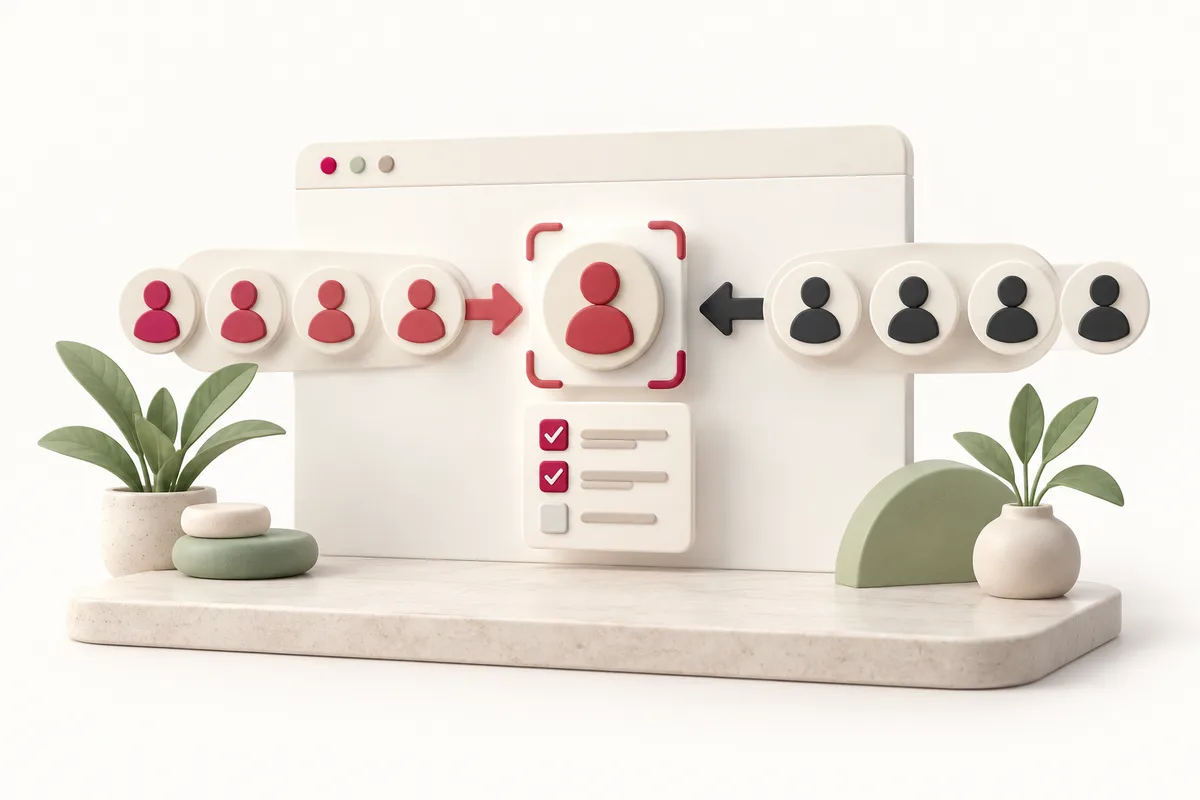
Move between tasks in one workspace
Use one task workspace to plan a Follow task and later review an Unfollow task. They remain separate, explicitly started tasks; completing one must never silently launch the other.
We do not sell followers or guarantee follower growth. Live sources, including Location, remain unavailable until real permission and compatibility checks pass.
Use recorded follow memory for later review
Tool-followed rules depend on this extension recording a confirmed Follow. They do not reconstruct activity from other products or infer that a later relationship change was caused by this tool.
Read shared history without losing action context
Shared history lets you compare task configurations and outcomes. Keep action context visible: a confirmed Follow and a confirmed Unfollow describe different events, even for the same person.
Keep each task under your control
For a later cleanup, first choose recorded users, protect exceptions, and create a fresh relationship preview. There is no unattended follow-then-unfollow campaign or cloud schedule in this workflow.
Planned workflow example
Illustration only: this is not a live Instagram execution.
- Choose the source and current actor.
- Review exclusions and unknown evidence.
- Regenerate the preview after any configuration change.
- Start only after live capability verification and explicit confirmation.
Is this workflow available for live use?
No. The live adapter is unavailable. Pro cannot guarantee platform permission or successful execution.
These sources explain platform behavior. Product-specific scope and limits come from our implementation registry; they are not an endorsement by Instagram, Google, or Stripe.
Current Instagram settings and live source behavior are not yet verified. These links support only the topics named beside them.