 AutoFollowTool
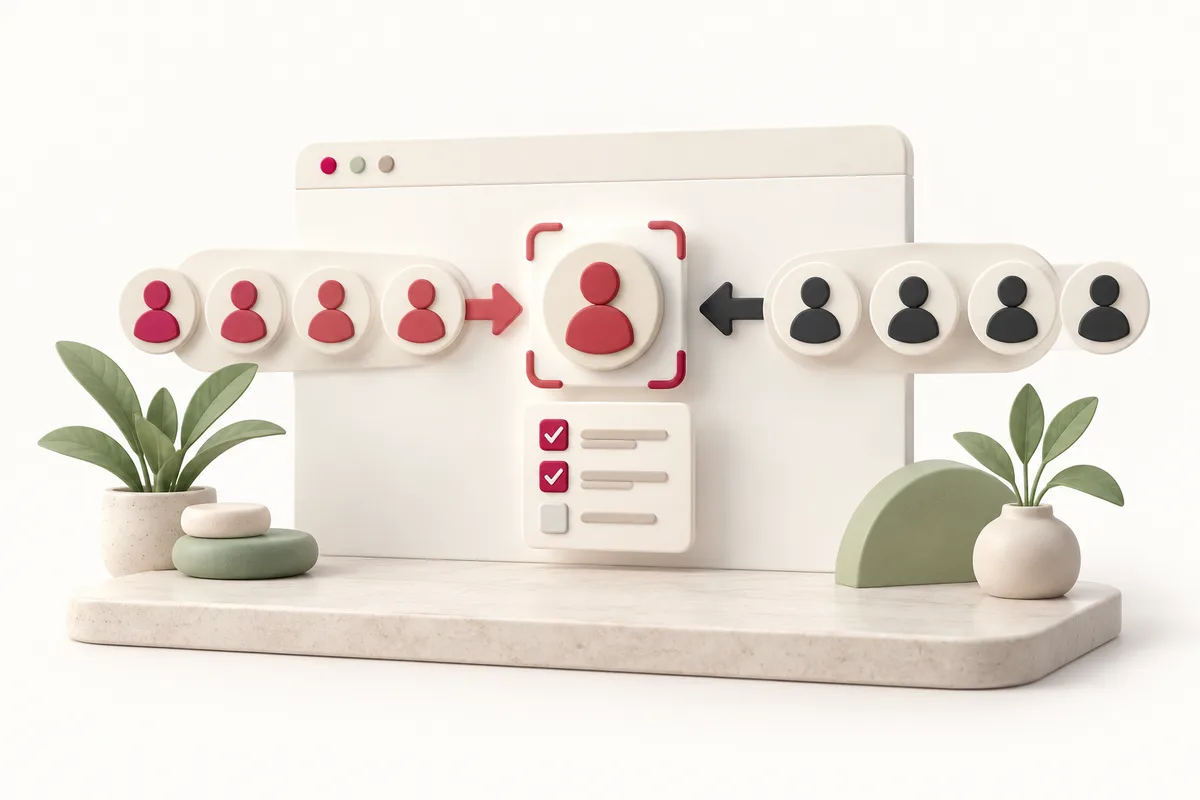
Install and connect your session
Official store installation is not open yet. After a verified release, install from the exact Chrome Web Store listing and independently confirm the current Instagram actor.
Choose source rules and exclusions
Choose the action first, then its source or target rule. Add protected exceptions and resolve incompatible filters before requesting a candidate review.
Preview before starting
Preview should explain eligible, excluded, unknown, and incomplete data. Changing the actor, input, filters, or list invalidates the previous confirmation.
Review results and manage your plan
After a task, review actual outcomes and remaining local quota. Product sign-in is used for subscription management; it does not log you in to Instagram.
These sources explain platform behavior. Product-specific scope and limits come from our implementation registry; they are not an endorsement by Instagram, Google, or Stripe.
Current Instagram settings and live source behavior are not yet verified. These links support only the topics named beside them.